There was a time when I mostly used voice assistants for three simple things: setting an alarm, checking the weather and asking what time a shop would close. Then I tried giving my phone a slightly more complicated command. That was when I realized how differently these assistants can behave in real life.
So, Siri or Google Assistant? Which one actually makes more sense in 2026?
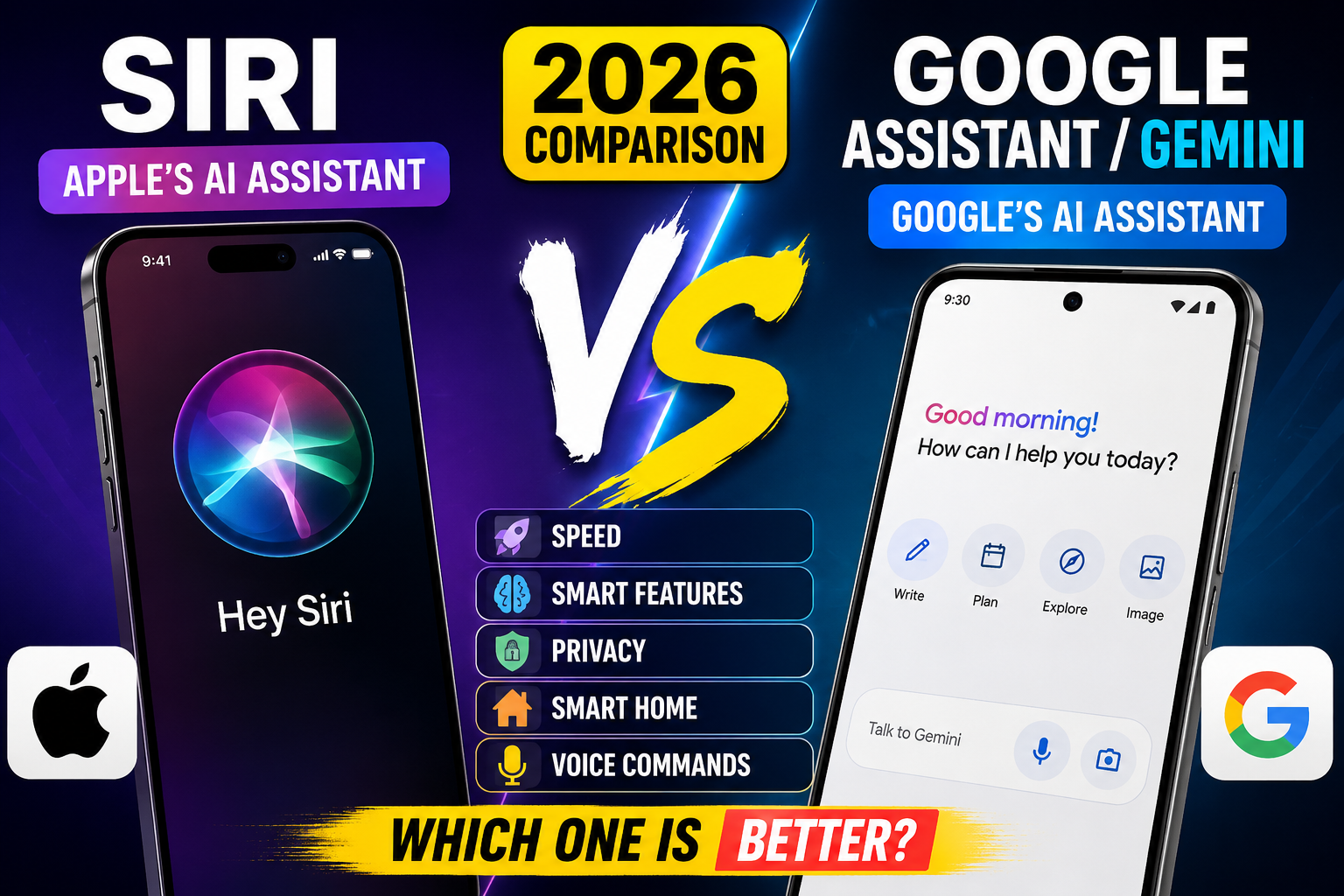
The answer has become more complicated because Google’s Android assistant experience has moved heavily toward Gemini, while Apple is also taking Siri in a much more AI-focused direction.
Google allows Gemini to replace Google Assistant as the primary assistant on supported Android phones, while Apple has announced a new Siri AI experience designed around Apple Intelligence, personal context, onscreen awareness and more advanced actions.
That means the old Siri vs Google Assistant argument has changed quite a bit. We’re now comparing Apple’s evolving Siri experience with Google’s Gemini-powered assistant experience.
Let’s look at the differences without making this unnecessarily complicated.
Siri or Google Assistant: What Has Changed in 2026?
If you used an iPhone or Android phone a few years ago, the difference was easy to understand. Siri belonged to Apple, while Google Assistant was Google’s main voice assistant for Android.
In 2026, things are different.
On compatible Android devices, Google is making Gemini the main mobile assistant experience. Users can still use familiar activation methods such as “Hey Google” on supported devices.
Gemini is designed to do more than simply respond to traditional voice commands. It can have longer conversations, work with images, help with writing, explain information and interact with connected Google services depending on your device and permissions.
Apple is heading in a similar direction with its new Siri AI experience. Apple has announced features including onscreen awareness, personal context and improved ability to perform actions across apps.
So, 2026 is actually a pretty interesting year for voice assistants.
Siri vs Google Assistant: Quick Comparison
| Feature | Siri | Google Assistant / Gemini |
|---|---|---|
| Platform | Apple devices | Android and Google ecosystem |
| Voice activation | Hey Siri | Hey Google |
| AI conversations | Improving with Siri AI | Strong with Gemini |
| Smart home control | Strong with Apple Home | Strong with Google Home |
| Google services | Available through apps | Deep Google integration |
| Apple ecosystem | Excellent | Limited compared with Siri |
| Conversational AI | Expanding | One of Gemini’s main strengths |
| Privacy focus | Strong Apple privacy approach | Google account and connected-service ecosystem |
The table gives you the quick picture, but the real differences become obvious when you use these assistants for everyday tasks.
Siri or Google Assistant: Which One Is Faster?
Speed sounds easy to compare, but it really isn’t.
Your phone model, internet connection, language, server response, permissions and even the exact wording of a command can affect how quickly an assistant responds.
For basic commands, both can feel very quick when everything is working properly.
- “Set an alarm for 7 AM.”
- “Call Mom.”
- “Set a timer for 10 minutes.”
- “Turn on Bluetooth.”
- “What’s the weather today?”
These tasks don’t require a huge amount of AI reasoning. The phone basically needs to understand the command and perform the action.
The difference becomes more interesting when you ask a longer question.
For example, imagine saying:
“I’m going to Lahore tomorrow. What should I pack if it’s going to be hot and I also have a business meeting?”
That’s no longer just a phone command. You’re asking for context, reasoning and useful suggestions.
This is where Gemini has a strong advantage because its mobile experience is built heavily around conversational AI. Google also allows Gemini to work with connected services such as Gmail, Maps and YouTube depending on the setup.
Apple is trying to close that gap with its new Siri AI experience, particularly through personal context and onscreen awareness.
So if you’re comparing Siri or Google Assistant purely for conversational AI, the gap is much smaller than it used to be, but Gemini currently feels more naturally focused on that type of interaction.
Where Siri Still Makes More Sense
If you already live inside Apple’s ecosystem, Siri makes a lot of sense.
Imagine using an iPhone together with AirPods, an Apple Watch and other Apple devices. You don’t want to stop and think about which assistant or app should handle a basic task. You just want everything to work together.
That’s where Siri has always been attractive.
Siri is deeply connected to Apple’s hardware and software ecosystem. Apple’s newer Siri AI direction takes this even further by introducing features designed to understand onscreen information and personal context.
Examples Where Siri Is Convenient
- Sending messages while your hands are busy.
- Making phone calls.
- Setting reminders and alarms.
- Interacting with Apple devices.
- Using Apple services with voice commands.
- Controlling compatible smart-home devices.
For an iPhone owner, that integration can be more valuable than simply having the most advanced chatbot.
Where Google Gemini Has the Advantage
For Android users, this is where things become interesting.
Google has been pushing Gemini as its newer mobile assistant experience. Once Gemini is configured as your mobile assistant, you can use voice activation and other supported methods to interact with it.
Gemini can answer normal questions, but it can also handle much more AI-heavy tasks.
You can ask it to explain a difficult topic, help write something, analyze an image, brainstorm ideas or answer questions about information you’re viewing.
Useful Gemini Voice Commands
- “Explain this topic in simple words.”
- “Help me write a professional email.”
- “Summarize this information.”
- “Create a packing list for my trip.”
- “Set a reminder for tomorrow at 9 AM.”
- “Tell me more about this place.”
- “Look at this image and explain what it shows.”
Google also documents Gemini support for tasks involving alarms, timers, media, notifications and certain device controls, although available features can depend on the device, permissions and settings.
This makes Gemini particularly interesting for people who use their Android phone for more than calls and messages.
Siri or Google Assistant for Smart Voice Commands?
This is probably the most important part for people who actually use voice assistants every day.
A voice assistant isn’t useful simply because it can answer complicated questions. It’s useful when you can say something naturally and get the job done without touching the phone.
Instead of saying:
“Open the clock application and create an alarm for seven in the morning.”
You should be able to say:
“Wake me up at seven tomorrow.”
That’s the kind of interaction that actually saves time.
Gemini can handle several practical Android tasks, including alarms, timers, media controls and some device functions. Apple is also pushing Siri toward more natural actions across apps.
So the better assistant isn’t necessarily the one that recognizes your voice the fastest. It’s the one that understands what you meant and can actually do something useful with that information.
What Happens When Your Phone Is Locked?
This is something many people don’t think about until they actually need it.
You’re cooking, your hands are wet and your phone is sitting on the table with the screen locked.
You say:
“Set a timer for 15 minutes.”
That’s a perfect voice-assistant situation.
Google allows certain Gemini interactions to work while an Android phone is locked, including some general questions, alarms, timers and media controls. Sensitive tasks can still require the phone to be unlocked.
That security balance makes sense. You don’t want someone standing near your phone to access private information simply because they know a few voice commands.
Voice Assistant Privacy: Siri vs Google
Privacy is another area where the comparison isn’t as simple as saying one assistant is private and the other isn’t.
Both Apple and Google provide privacy controls, but their ecosystems work differently.
Apple puts a strong emphasis on privacy around Apple Intelligence and its Siri AI experience. Apple says its approach is designed to process information with privacy in mind while still providing useful personal context.
Google’s Gemini experience can connect with Google services and account information depending on which apps and permissions you enable.
My practical advice is simple: don’t enable permissions you don’t actually need.
If you don’t want an assistant accessing notifications, don’t give it that permission. If you don’t want hands-free access while the phone is locked, disable that option.
You can also review your account and assistant settings occasionally. It only takes a few minutes.
How to Set Up Gemini as Your Android Assistant
If you’re using Android and want to try Google’s newer assistant experience, the setup is fairly straightforward.
- Open the Gemini app on your Android phone.
- Sign in with your Google Account if required.
- Follow the prompts to use Gemini as your mobile assistant.
- Enable “Hey Google” if you want hands-free activation.
- Set up Voice Match if the option is available.
- Review Connected Apps and permissions.
Google’s official documentation explains that Gemini can replace Google Assistant as the primary assistant on supported Android devices.
Official resource: Google Gemini Android Assistant Guide
How to Get Better Results From Siri or Google Assistant
Here’s something I’ve learned after using voice assistants for quite a while: sometimes the assistant isn’t actually the problem. The way we ask the question is.
If you give an unclear command, the assistant has to guess what you mean.
For example, instead of:
“Remind me about that thing tomorrow.”
Say:
“Remind me tomorrow at 10 AM to call Ali about the car.”
The second command gives the assistant the information it actually needs.
Use Specific Commands
Include the time, person, app or destination whenever it matters.
Speak Naturally
You don’t need to speak like a robot. Modern assistants are designed to understand conversational language, although results can vary by language, accent, device and available features.
Check Permissions
If a command doesn’t work, don’t immediately assume the assistant is broken. The relevant app may not have permission to access contacts, notifications, location or another service.
Keep Your Phone Updated
Voice assistant features change frequently. An outdated operating system or app version can mean you’re missing features available in newer releases.
Common Mistakes People Make With Voice Assistants
I’ve made a few of these myself, especially when testing a new phone.
- Expecting every command to work offline: many modern AI features require an internet connection.
- Speaking too quickly: names and addresses can be misunderstood when spoken too fast.
- Ignoring permissions: an assistant cannot perform a task if required access has been blocked.
- Using vague commands: missing dates, names and times can produce the wrong result.
- Assuming every Android phone works the same: features can vary by manufacturer, model, region and software version.
- Giving unnecessary permissions: only enable access you are comfortable with.
Siri or Google Assistant for Android Users?
If you’re using an Android phone, Google’s assistant ecosystem is the natural choice. Gemini is Google’s major direction for AI-powered mobile assistance on supported Android devices.
Gemini is particularly useful if you want conversational AI rather than only traditional commands. It can work with voice, text and images and can connect with certain Google services.
For basic phone control, however, the experience can still involve different Google assistant technologies depending on the task and device.
That’s worth remembering when testing it. If one command behaves differently from another, it doesn’t necessarily mean something is wrong with your phone.
Siri or Google Assistant for iPhone Users?
For iPhone users, Siri remains the obvious choice for deep Apple ecosystem integration.
Apple’s newer Siri AI direction is particularly interesting because the company wants Siri to understand personal context, onscreen content and more complicated requests.
However, availability matters. New Apple Intelligence and Siri features can depend on the iPhone model, operating system, language and region.
So don’t buy a phone simply because you saw a video showing a particular Siri feature. Always check whether the feature is actually supported on your device.
Can Gemini Replace Google Assistant Completely?
On supported Android phones, Gemini can replace Google Assistant as the primary mobile assistant.
However, Google Assistant has not simply disappeared from every Google-powered device. Google continues to support Assistant on certain other devices such as smart speakers, displays, TVs and some cars.
So the transition is happening gradually rather than everything changing overnight.
Which One Should You Choose?
If you want the shortest possible answer, here’s how I’d look at it.
Choose Siri If:
- You primarily use an iPhone.
- You own several Apple devices.
- You care about tight Apple ecosystem integration.
- You mainly need calls, messages, reminders and device controls.
- You want to try Apple’s newer Siri AI features as they become available.
Choose Gemini If:
- You use an Android phone.
- You rely heavily on Google services.
- You want longer conversational answers.
- You frequently use AI for writing, learning or brainstorming.
- You want to work with images and connected Google services.
For pure AI conversation, I’d currently lean toward Gemini because Google’s mobile experience is already heavily focused on generative AI.
For Apple ecosystem integration, Siri remains the natural choice, and Apple’s newer Siri AI direction could make the competition much closer as those features become available.
Frequently Asked Questions
Is Siri better than Google Assistant in 2026?
There isn’t one winner for everyone. Siri is better suited to Apple’s ecosystem, while Google’s Gemini-powered assistant experience is stronger for Android users who want conversational AI and Google service integration.
Is Google Assistant being replaced by Gemini?
On supported Android mobile devices, Gemini can replace Google Assistant as the primary assistant. Google still documents Google Assistant support on some other devices and allows eligible users to switch between the experiences.
Can Gemini be used with voice commands?
Yes. On supported Android devices, you can use “Hey Google” when hands-free activation is enabled, and you can also start voice conversations through the Gemini mobile app.
Can Gemini control an Android phone?
Yes, depending on your phone, permissions and settings. Gemini supports several practical functions such as alarms, timers, media and some device controls.
Can Siri understand what’s on my iPhone screen?
Apple’s newer Siri AI is designed to understand onscreen content and use personal context. Availability depends on supported hardware, software, language and region.
Which is better for AI questions, Siri or Google Assistant?
For AI-style conversations, Gemini currently has a strong advantage because conversational AI is central to its experience. Apple’s new Siri AI is designed to become much more capable in this area as its new features roll out.
Can I use Gemini on an iPhone?
Yes. Google offers the Gemini mobile app for iPhone and iPad. However, Android provides deeper device-level integration because Gemini is part of Google’s Android assistant ecosystem.